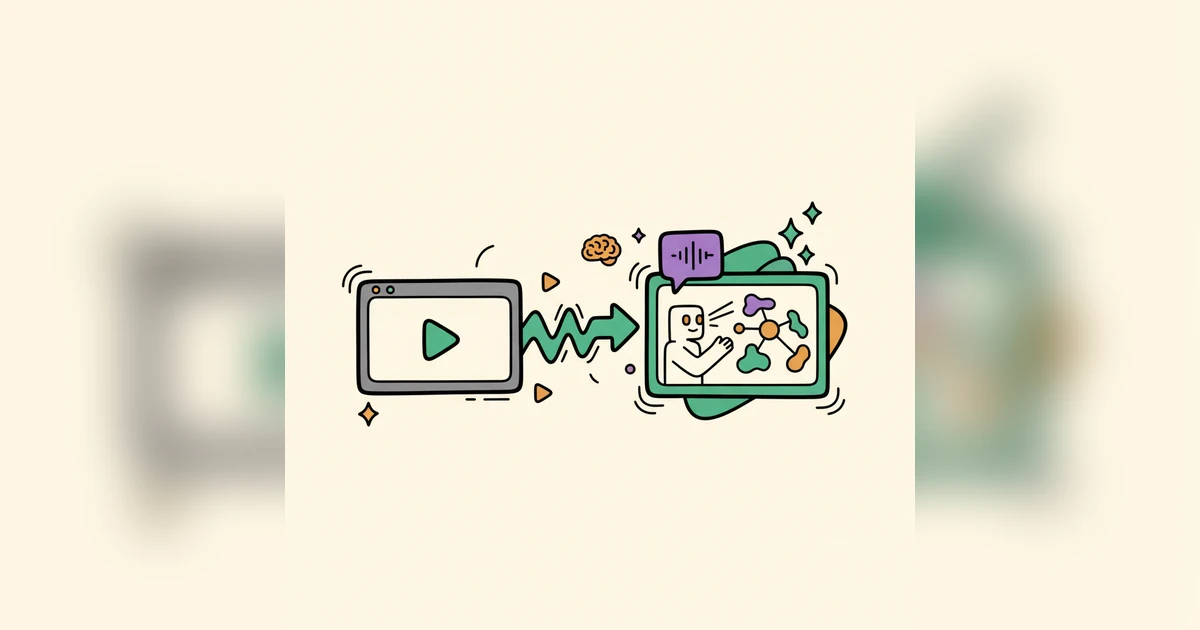
Your screen recordings are useful, but let's be honest about how they usually perform. Prospects drift off, the important feature slides by unnoticed, and the point you were making never quite arrives. A passive video is always at a disadvantage against something that adapts, responds, and guides the person watching.
The Quiet Way Static Demos Lose People
You've seen it happen. Someone opens a product demo, watches for a minute, and clicks away. A traditional screen recording carries information, but it skips the part that matters most, interaction. It runs in one direction and asks the viewer to sit still and absorb, even when half of what's on screen has nothing to do with their situation. That's not a small annoyance. It shows up as lost deals, longer sales cycles, and conversion rates that stay stubbornly low.
Think about learning to drive. You can watch hours of footage from the passenger seat, but you don't actually learn until you're the one steering. Product demos are the same. They need to be something people do, not just something they watch. A prospect who clicks, explores, and makes a choice remembers the product in a way a spectator never will, and that difference is the whole game when you're trying to move someone toward a decision.
What Woxgen Adds to Footage You Already Have
This is the gap Woxgen is built to close. You take the screen recordings you've already captured, the raw footage sitting on your drive, and layer AI on top of them to produce interactive, personalized demos. The jump is roughly from a printed manual to a tutor who walks alongside the viewer and answers as they go.
It goes past pasting text over the video or dropping in a clickable box. The AI reads your recording and lets you build interactive behavior into it, so viewers move at their own pace, focus on what matters to them, and come away understanding the value instead of just having seen it.
From Raw Footage to Interactive Demo: The Workflow
The process is deliberately simple, and you don't need a technical background to follow it. Here's how a plain screen recording becomes an AI-powered demo:
- Upload your screen recording. Start with the video you've got, whether it's a fast feature tour or a longer explanation.
- AI transcription and scene segmentation. Woxgen transcribes your narration and splits the video into logical scenes. That structure is what everything interactive hangs off, and it makes the content searchable.
- Add AI voiceovers and narration. Generate voiceovers in different languages and accents, or clone your own voice, so narration stays clean and consistent without another recording session.
- Layer in hotspots and clickable areas. Drag interactive elements onto specific parts of the recording. Those can include:
- Information pop-ups that surface a fact, definition, or benefit exactly when someone hovers or clicks.
- Guided paths that lead people through workflows matched to their role or interest.
- Question and answer prompts that check understanding or collect feedback inside the demo.
- Navigation links that jump straight to a relevant section or an outside resource.
- Personalize and customize. Insert details like a viewer's name or company so each run feels aimed at one person, and set up separate paths for different use cases or audience segments.
- Publish and share. When it's ready, Woxgen hands you a shareable link or embed code. Send it by email, put it on your site, post it, or drop it into your sales and marketing flow.
The structure keeps things simple while making sure each demo is experienced rather than merely played.
Features That Turn Viewers Into Participants
Woxgen's feature set is aimed squarely at engagement and clarity:
- AI voice cloning: Hold a consistent brand voice across every demo, or spin up multilingual versions without hiring voice talent or re-recording for each language.
- Dynamic personalization: Greet a prospect by name, mention their company, or foreground the features that fit their industry. Relevance is what earns attention.
- Analytics and insights: See how people actually use your demos, which hotspots get clicked, where they drop off, what holds them. That feedback sharpens both your messaging and your sales approach.
- Conditional logic and branching: Build demos that adapt. Click feature A and you go one way; click feature B and you go another, so everyone lands on what's relevant to them.
- Micro-learning modules: Break dense features into short interactive segments people can digest, revisit, and retain.
Together these move a demo past show-and-tell into something useful for sales, education, and support alike.
Why Interactive Demos Win in Practice
Moving to interactive, AI-driven demos isn't about chasing new technology for its own sake. It shows up in the numbers. Teams using Woxgen tend to see:
- Higher engagement: Viewers explore, click, and stay longer, which builds a deeper grasp of the product.
- Shorter sales cycles: Prospects understand the value sooner, so you need fewer live demos and decisions come faster.
- Better conversion: Personalized, relevant experiences resonate, turning curious visitors into qualified leads and, eventually, customers.
- Less support load: Clear, interactive explanations let users answer their own questions, easing the pressure on your support team.
- Stronger adoption: People who genuinely understand a product are far more likely to use it fully and recommend it.
Your product is sophisticated. Your demo should carry that same weight instead of quietly underselling it.
Static screen recordings feel dated next to what's possible now. Woxgen lets you turn those passive videos into interactive demos that teach, hold attention, and convert. Stop simply showing your product and start pulling people into the story of it. Take a look at Woxgen and rethink how you demo.
Frequently asked questions
What is Woxgen and how does it create interactive AI demos?
Woxgen is an AI-powered platform that transforms standard screen recordings into dynamic, interactive product demonstrations. It uses AI to transcribe audio, segment videos, generate voiceovers, and allows users to add clickable hotspots, guided paths, and personalization elements to their existing footage.
Can I use my existing screen recordings with Woxgen?
Yes, absolutely. Woxgen is designed to work with your existing screen recordings. You simply upload your video file, and the platform guides you through the process of adding AI-driven interactive elements and enhancements without needing to re-record anything.
How long does it typically take to create an interactive demo with Woxgen?
The time required varies depending on the length and complexity of your original recording and the number of interactive elements you wish to add. However, Woxgen's intuitive interface and AI assistance significantly speed up the process, allowing many users to convert a standard recording into an interactive demo within minutes to a few hours.
What kind of interactive elements can I add to my demos?
You can add a wide range of interactive elements, including informational pop-ups, clickable hotspots for specific features, guided navigation paths, question-and-answer prompts, and dynamic links. These elements allow users to explore the product at their own pace and focus on relevant areas.
How does Woxgen personalize demos for different viewers?
Woxgen enables dynamic personalization by allowing you to insert user-specific information, such as names or company details, directly into the demo content. You can also create conditional logic and branching paths, ensuring that each viewer is guided through the most relevant product features based on their role or expressed interests.
Is Woxgen suitable for demonstrating complex software or detailed workflows?
Yes, Woxgen is particularly effective for complex software. By breaking down detailed workflows into interactive, bite-sized modules and providing guided paths, users can learn at their own pace without feeling overwhelmed. The ability to revisit specific sections and get instant information makes it ideal for intricate product demonstrations.