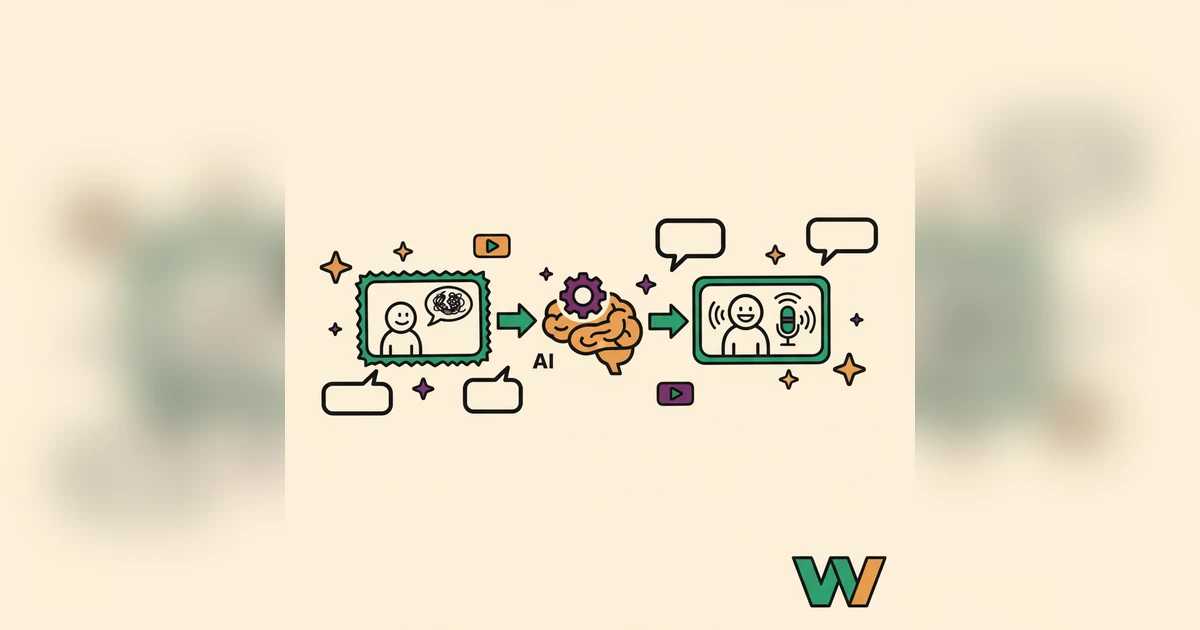
Your product is genuinely good. It solves real problems and earns its price. But if the demo video sounds like it was recorded in a busy café, you're losing people before they understand any of that. The voice carries more than the words. A weak voiceover can quietly undercut visuals you worked hard on.
The Quiet Reason Your Demos Aren't Converting
Think back to the last demo you clicked away from because the audio was rough, the pacing was off, or the voice was flat and lifeless. You didn't stick around. Plenty of teams hit the same wall producing voiceovers for their demos. Professional recording is expensive and slow, and every feature update means doing it again. Handing narration to whoever's free internally usually means uneven quality, distracting delivery, or just a voice that can't hold attention. The result is a rushed, amateur demo that sells the product short and leaves prospects unconvinced. And the frustrating part is that the underlying product often deserved better. The gap between what you built and what the viewer perceived comes down entirely to production, which is exactly the part that used to be hardest to fix on a budget.
Building Professional Narration with Woxgen
Turning raw screen recordings into engaging narration without a studio isn't a stretch anymore. AI voiceover makes it routine, and Woxgen is built around exactly that. It turns your written script into natural, expressive speech, so a plain walkthrough becomes something people actually follow.
Woxgen synthesizes human-sounding voices straight from text. You describe your product's features, benefits, and use cases and get them delivered with clear, steady conviction. Pick a voice that fits your brand's personality and you get a consistent, professional audio track that keeps viewers on your message instead of noticing the audio. Good audio is invisible in the best way: nobody comments on it, they just stay engaged. Bad audio is the opposite, pulling attention away from everything you worked to show.
From Script to Synced Story
Producing an AI-narrated demo in Woxgen is a short, repeatable process. It closes the gap between your visuals and your message so the delivery holds up every time.
Here's how to take raw footage to a finished demo:
- Write for impact. Start with a tight, clear script that highlights the key features and benefits. Focus on what the audience needs to hear, use plain language, and end with a strong call to action. The script is the foundation for everything the AI does with it.
- Choose and tune the voice. Work through Woxgen's voice library. Try different accents, genders, and tones until one fits your brand and the mood of the demo. You usually get granular control over pitch, speed, and emphasis to dial in the final read.
- Generate and refine. Drop your script into Woxgen and it produces the voiceover. Listen closely. Small wording tweaks often fix pronunciation or flow. Sometimes rephrasing a single sentence changes how cleanly the AI reads it.
- Sync to the visuals. This is where Woxgen earns its keep. Its timeline lets you line up the audio with your screen recording: drag audio segments, trim pauses, and match narration to on-screen actions. The visual approach makes syncing approachable even if you've never edited video.
- Add the final polish. Woxgen handles the voice; you can raise the production further with light background music or a few sound effects from external libraries. A good demo works as sight and sound together, and small additions make it feel more finished.
Going Further: Advanced Voiceover Techniques
To really stand out, lean on Woxgen's deeper capabilities and build a richer audio experience than plain narration.
- Multiple voices. You don't have to stick to one voice. For complex products or role-play scenarios, mix several AI voices, one introducing a concept, another demonstrating a feature, a third delivering a testimonial, all inside the same demo. It adds depth and keeps people engaged.
- Emotion and emphasis. Modern AI voices are capable. In Woxgen you can use markers or careful phrasing to prompt excitement, urgency, or calm, and emphasize key benefits by adjusting pitch or volume on specific words to steer attention where you want it.
- Localization. Selling internationally? Woxgen's multilingual support lets you generate voiceovers in several languages with native-sounding accents, so your message lands abroad without the cost of hiring voice actors for each market.
- A consistent brand voice. Keep one identity across your material. Woxgen lets you settle on specific voices that match your brand's tone and reuse them, which builds recognition and reinforces a professional image with every demo.
The Payoff: Why Better Demos Drive Growth
Investing in professional AI voiceovers, especially with a tool like Woxgen, pays back across the funnel. This isn't only about sounding nice; it shows up in results.
Better demos hold attention longer, and longer watch time means people actually absorb and remember your value proposition. Faster production means your teams ship new demos for updated features or campaigns quickly, so you reach the market sooner. The savings on voice actors and studio time are real, freeing budget for other work. Taken together, polished demos build credibility, improve conversion, and give you a scalable approach to video that keeps working as you grow.
Get Started
Turning raw screen recordings into professional demos with AI voiceovers has moved from nice-to-have to necessary. Woxgen puts consistent, high-quality narration in your hands so you can hold an audience and explain your product clearly and fast. Try one demo end to end before you commit to redoing your whole library. Pick a video that already gets traffic, rebuild the narration with Woxgen, and compare how it lands. That single test tells you more than any feature list. Don't let amateur audio hold your sales back. See what Woxgen can do for your message, starting today.
Frequently asked questions
How accurate and natural do AI voices sound for product demos?
Modern AI voices, especially from platforms like Woxgen, are highly advanced, capable of producing remarkably natural and human-like speech. They often include nuanced inflections, proper pacing, and can be customized to match specific tones, making them ideal for professional product demonstrations.
Can AI voices convey emotion and emphasis in a script?
Yes, Woxgen's AI voices can be directed to convey a range of emotions and emphasis. By strategically structuring your script, using specific punctuation, or utilizing platform-specific tools, you can guide the AI to highlight key points, express excitement, or maintain a calm, authoritative tone, significantly enhancing engagement.
How long does it take to create an AI voiceover for a demo video with Woxgen?
Creating an AI voiceover with Woxgen is significantly faster than traditional methods. Once your script is finalized, generating the initial audio takes mere seconds or minutes, depending on its length. The majority of the time is spent on script refinement and syncing the audio with your video, a process that Woxgen streamlines considerably.
Is Woxgen suitable for creating multi-language product demos?
Absolutely. Woxgen is designed to support multilingual content creation, allowing you to generate voiceovers in numerous languages with native accents. This capability is invaluable for businesses targeting a global audience, enabling efficient localization of product demos without needing to hire multiple voice actors.
What's the main difference between AI voiceover and hiring a traditional voice actor?
The primary differences lie in cost, speed, and consistency. AI voiceovers, like those from Woxgen, offer a scalable and cost-effective solution with instant generation and easy revisions. Traditional voice actors provide a unique human touch but involve higher costs, longer turnaround times, and potential inconsistencies across multiple projects or updates.
Can I edit the AI voice after it has been generated by Woxgen?
While you cannot directly edit the audio waveform like a human recording, you can effectively 'edit' the AI voice by modifying your original script within Woxgen. Changes to wording, punctuation, or adding specific emphasis tags will result in a regenerated audio clip that reflects your desired adjustments, allowing for iterative refinement.
Is AI voiceover a cost-effective solution for small businesses or startups?
Yes, AI voiceover is exceptionally cost-effective for small businesses and startups. It eliminates the significant expenses associated with hiring professional voice actors, renting studio time, and re-recording. Platforms like Woxgen provide a high-quality, scalable solution that delivers professional-sounding demos on a budget, accelerating your marketing efforts.