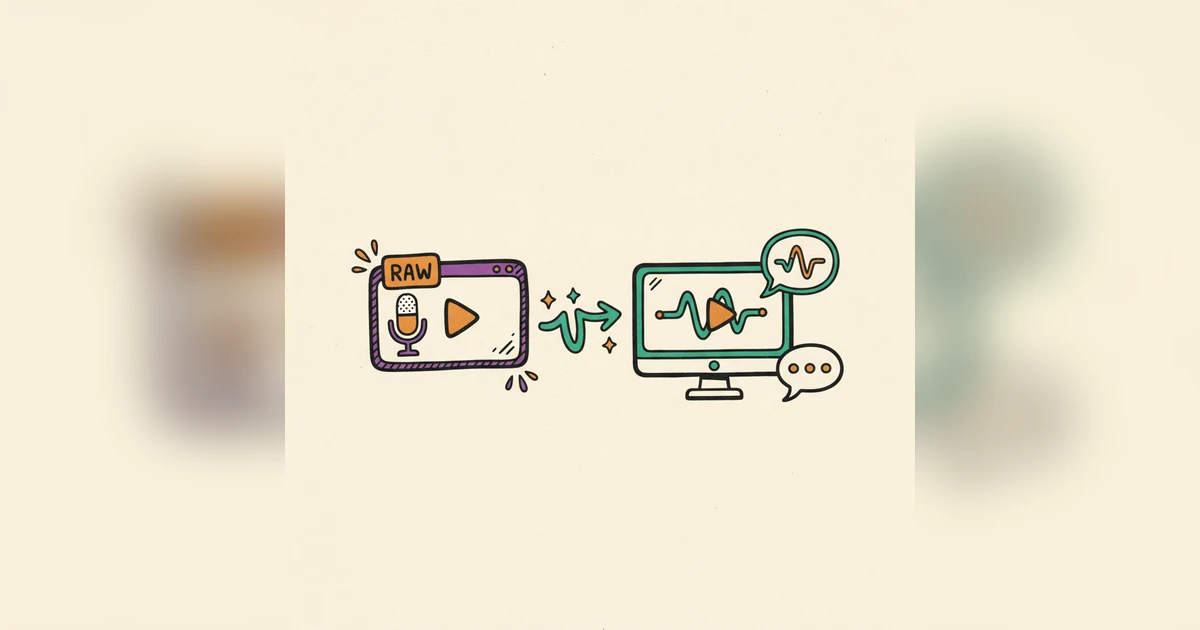
You built something good, a product or a feature that solves a real problem, and then the demo video doesn't do it justice. Silent clicks, a rushed explanation, the "umms" of a live take recorded in one nervous pass. None of that is the work you did. It just gets in the way of it.
The Thing That Quietly Sinks a Demo: Bad Audio
Think about the last demo that actually held you. It wasn't only the visuals. The audio, and the voiceover especially, was doing a lot of the work. A clear, steady, well-paced narration guides you, points out what matters, and drives the message home. Without it, even a great screen recording feels half-finished, and the viewer is left assembling the story on their own.
Raw screen recordings are honest, but they rarely have the polish that turns a viewer into a lead. They tend to lack the even tone, the rhythm, and the precise wording that a good voiceover brings. That gap between "here's what it does" and "here's how it helps you" usually gets bridged by the audio track.
Why AI Voiceover Changed the Math
Getting a professional voiceover used to mean hiring talent, booking studio time, and editing it all together, a real investment of money and time. For teams moving fast, that was often reason enough to skip it.
AI voiceover took that hurdle away. The current generation of voice tools is nothing like the flat, robotic output people remember. They use deep learning to produce speech that's hard to tell from a person, with natural inflection, shifting tone, and some emotional range.
Here's what makes AI voiceover worth using for demos:
- Consistency. One voice and tone across every demo, no matter who captured the screen.
- Scale. Narrate as many videos as you need without lining up voice talent each time.
- Flexibility. Change the script and regenerate the voiceover in minutes, which suits fast product cycles.
- Languages. Reach audiences in other languages with believable accents and pronunciation.
- Cost. A fraction of what traditional voice acting runs.
The Script Is Where It's Won or Lost
Your voiceover is only as good as the script under it. And it isn't just what you say, it's how you shape it around the visuals. A good script anticipates what's happening on screen so the narration lands in step with each action.
Start with the core message. What problem does the product solve, and which features are you actually showing? Break the recording into logical chunks and write specific lines for each action or feature. Keep it tight and clear, and skip the jargon where you can.
Mind the pacing. Read the script out loud. Does it flow, and does it leave room for the viewer to take in what's on screen? AI voices are capable, but they still do better with a script written the way people actually talk. Tools like Woxgen let you adjust rate, pauses, and emphasis, but the script is still your main lever.
Bringing the Voice and the Recording Together
Once the script is tight and the recording is ready, you pair them. This is where a dedicated tool like Woxgen earns its keep. Instead of hand-syncing audio in a heavy editor, the platform handles most of it.
- Bring in your recording. Import the raw screen capture into Woxgen.
- Drop in your script. Paste it and let Woxgen work out pacing and delivery.
- Pick a voice. Browse the library, try different genders, accents, and tones, and settle on the one that fits your brand and the demo's feel.
- Generate and sync. One click generates the voiceover and lines it up with the video, often detecting on-screen actions and adjusting timing so you're not nudging clips around by hand.
That takes most of the time and technical effort out of producing a solid demo, so you can spend your attention on the content instead of the mechanics.
The Last Pass: Timing, Tone, Polish
Even with smart syncing, watch it through once more with the voiceover on. Pay attention to a few things:
- Timing. Does the narration line up with what's happening on screen? Listen for awkward gaps or a moment where the voice runs ahead of or behind the visual. Most tools let you fine-tune this.
- Tone and emphasis. Does the voice carry the intended feeling and land on the important points? Some platforms let you stress specific words for more control.
- Music and sound. A little royalty-free background music can add professionalism without pulling focus. Click and keypress sounds add realism, but use them lightly.
- On-screen text. Make sure any labels, highlights, or annotations back up the voiceover instead of just repeating it.
Reviewing and adjusting like this is what separates a decent demo from a genuinely convincing one, and it keeps the whole thing feeling of a piece.
What You Get Back
Putting this polish on your screen recordings isn't about looks. It shows up in results. A clean demo tends to bring:
- More engagement. People are likelier to watch a well-narrated demo all the way through and absorb more of it.
- Clearer communication. Complex features become easier to follow, which cuts confusion and support questions.
- Higher conversion. A convincing demo builds trust and states the value plainly, moving prospects closer to signing up.
- A stronger brand. Polished content reflects well on you and reads as authority.
- Faster turnaround. Produce and update demos for new features quickly, so your marketing keeps pace with the product.
In a crowded market, a professional demo stands out. It's stopped being a nice extra and become part of showing what your product can really do.
Turning raw recordings into professional demos with AI voiceover isn't a someday idea, it's here and it's within reach. With a tool like Woxgen you can give your walkthroughs the clarity, consistency, and polish they've earned, which helps your brand and your results both. Start telling a clearer story about your product.
Frequently asked questions
How long does it take to add AI voice to a screen recording?
With tools like Woxgen, generating and syncing an AI voiceover can take just minutes, depending on the length of your video and script. The process is significantly faster than hiring a human voice actor and manually editing the audio into your video.
What's the best AI voiceover tool for product demos?
While several tools exist, platforms specifically designed for demo creation, such as Woxgen, offer integrated features that make them ideal. They combine AI voice generation with video editing and syncing capabilities, streamlining the entire workflow for product teams.
Can AI voices sound natural and human-like?
Absolutely. Modern AI voice technology, powered by deep learning, has advanced significantly. The voices can now mimic human inflections, emotions, and pacing, making them very natural and often indistinguishable from human speech, especially when paired with a well-written script.
How accurate is AI voice synchronization with video?
Advanced AI tools utilize sophisticated algorithms to analyze both your script and video, intelligently syncing the narration to on-screen actions. While initial generation is highly accurate, most platforms also offer granular editing options to fine-tune timing for perfect alignment.
Is AI voiceover expensive compared to human voice actors?
AI voiceover is generally far more cost-effective than hiring professional human voice actors, especially for multiple videos or frequent updates. It eliminates talent fees, studio costs, and lengthy revision cycles, offering a scalable and budget-friendly solution.
What are the key benefits of using AI voiceover for software demos?
Key benefits include consistent narration quality, rapid production and updates, cost savings, and the ability to easily generate multilingual versions. This leads to clearer communication, increased viewer engagement, and ultimately, higher conversion rates for your product.
Can I edit the AI voice after it's generated?
Yes, most advanced AI voiceover platforms allow for post-generation editing. You can typically adjust pacing, add pauses, change emphasis on specific words, or even swap out the AI voice with a different one if you change your mind, offering significant flexibility.