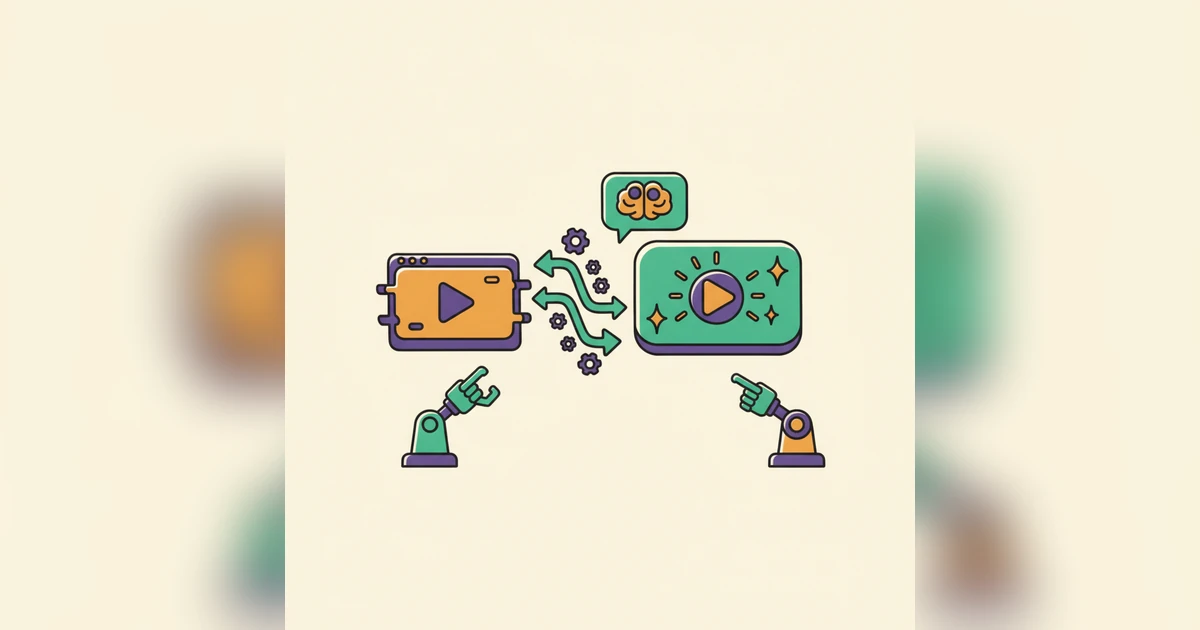
Your raw screen recordings hold immense potential, yet so often they sit untouched or become generic walkthroughs that fail to truly connect. What if you could effortlessly transform every unpolished click into a personalized, high-impact demo, perfectly tailored for a specific user need? Imagine achieving this at unprecedented speed and scale.
The Hidden Drain of Traditional Demo Production
Creating compelling product demos has long been a frustrating bottleneck. Think about it: from the initial screen capture to meticulous editing, recording voiceovers, adding annotations, and ensuring consistent branding – it's a labor-intensive journey. Each demo, whether for a new prospect, an onboarding user, or a support query, devours significant time and resources. This manual grind forces a tough choice: either you churn out generic, one-size-fits-all videos that barely scratch the surface, or you pour resources into a select few bespoke demos, leaving countless valuable opportunities untouched.
This isn't just about lost time; it's about missed engagement. A generic demo, while better than nothing, rarely sparks deep resonance. Today's users expect personalized experiences that speak directly to their pain points and immediately demonstrate value. Traditional methods simply can't keep pace with this growing demand for tailored content at scale.
From Jittery Screen Capture to AI-Powered Polish: The Woxgen Workflow
This is precisely where AI video automation, exemplified by solutions like Woxgen, completely changes the game. Instead of viewing your screen recordings as raw footage destined for a human editor, AI processes them as structured data, primed for intelligent transformation. The journey begins with your standard screen capture, but what unfolds next is anything but standard.
Woxgen’s AI meticulously analyzes your recording, intelligently segmenting it into logical steps and pinpointing key actions. It then automatically gets to work:
- Generates Dynamic Voiceovers: Just input your script, and AI produces natural-sounding voiceovers in various languages and accents, perfectly synchronized with your on-screen actions. Say goodbye to expensive voice talent and awkward re-takes.
- Adds Contextual Callouts and Annotations: The AI identifies UI elements and suggests relevant text overlays, arrows, and highlights, drawing attention to crucial features without any manual placement.
- Blurs Sensitive Information: Automatically detects and obscures private data, ensuring compliance and professionalism without painstaking pixelation work.
- Refines Visuals and Pacing: AI can smooth out jerky mouse movements, eliminate dead air, and even suggest optimal pacing to keep viewers captivated, delivering a polished, professionally produced look.
This automated workflow dramatically shrinks the time from initial capture to a ready-to-share demo. It frees your team from repetitive tasks, allowing them to focus on high-level strategy and content quality.
Tailoring Demos for Every User Stage, Automatically
The true power of AI video automation extends far beyond mere efficiency. It's the unparalleled ability to create highly specific, deeply relevant demos for every single stage of the user journey. Imagine moving past a single, broad product tour to an expansive library of targeted videos:
- Prospecting & Lead Nurturing: Instead of a generic overview, send a demo that highlights exactly how your product solves a specific pain point mentioned in a prospect's initial inquiry. AI can swiftly adapt a base recording with a new script and precise focus points.
- Onboarding & First-Run Experience: Build a series of micro-demos, each concentrating on a single core feature or a critical first step. Think: "Here's how to set up your first project," or "Discover how to invite your team." This modular approach empowers users to learn at their own pace.
- Feature Adoption & Upselling: When launching a new feature, a personalized demo showcasing its direct benefit to a user's existing setup is far more impactful than a simple blog post. For upsell opportunities, spotlight advanced features directly relevant to a user's current usage patterns.
- Customer Support & Troubleshooting: Replace lengthy email threads with a quick, precise video demonstrating the solution to a common issue. Examples include: "Here's how to reset your password," or "Troubleshooting guide for error X."
With AI, you can generate endless variations from a single base recording, each featuring a unique script, focus, and call to action, ensuring your message always hits home.
Scaling Quality, Not Just Quantity
One of the biggest misconceptions about automation is that it sacrifices quality for speed. With Woxgen's AI, the opposite is true. By automating repetitive, often error-prone tasks, you actually elevate the overall quality and consistency of your demo output.
- Brand Consistency: AI ensures uniform branding, font styles, and callout designs across all videos, maintaining a professional image effortlessly.
- Error Reduction: Automated voiceovers eliminate human mispronunciations or awkward pauses. Automated blurring prevents the accidental exposure of sensitive data.
- Rapid Iteration: A/B test different scripts, voiceover styles, or call-to-action placements with ease. Generate multiple versions and analyze which performs best, constantly optimizing your demo strategy.
- Global Reach: Instantly translate and generate voiceovers in dozens of languages, opening new markets without the logistical nightmare of hiring international voice talent for every video.
This means you're not just creating more demos; you're creating a consistently higher standard of better demos, perfectly tailored to specific audiences, all at a fraction of the traditional cost and time.
Beyond the "How-To": The Strategic Advantage of Automated Demos
AI video automation isn't just a clever productivity hack; it's a strategic imperative. In today's competitive landscape, where user attention is fleeting, the ability to deliver hyper-relevant, high-quality video content rapidly provides a significant edge. It empowers your sales team to personalize outreach at scale, enables your marketing team to launch compelling campaigns faster, and helps your product team gather feedback on new features more effectively.
By leveraging AI to handle the heavy lifting of demo production, your human talent is freed to focus on what they do best: deeply understanding user needs, crafting compelling narratives, and strategizing for growth. This fundamental shift transforms product demos from a static, post-production chore into a dynamic, integrated component of your entire user acquisition and retention strategy.
Conclusion
The era of painstaking, manual demo video production is swiftly becoming a relic of the past. AI video automation, with powerful tools like Woxgen, empowers teams to transform raw screen recordings into a potent, scalable arsenal of polished, personalized demos. Embrace this shift to engage your audience more effectively, accelerate your sales cycle, and ensure every user interaction is backed by a compelling, relevant visual story. Explore how Woxgen can elevate your demo strategy today and turn every click into clarity.
Frequently asked questions
What is AI video automation for demos?
AI video automation for demos uses artificial intelligence to streamline and enhance the process of creating product demonstration videos. It transforms raw screen recordings into polished content by automating tasks like voiceover generation, text overlays, sensitive data blurring, and visual refinement, significantly reducing manual effort and production time.
How does Woxgen transform my screen recordings?
Woxgen's AI analyzes your screen recording, identifies key actions, and then applies intelligent automation. It can generate synchronized voiceovers from scripts, add contextual annotations, automatically blur sensitive information, and smooth out visual elements to create a professional, engaging demo video without extensive manual editing.
Can AI create personalized demo videos for different user stages?
Yes, a core benefit of AI video automation is the ability to rapidly generate personalized demos. By using a base screen recording and varying the script, voiceover, and highlighted elements, AI can create targeted videos for prospects, onboarding users, feature adoption, or support, all tailored to specific needs and stages.
Is AI demo creation cost-effective compared to traditional methods?
Absolutely. AI demo creation significantly reduces costs associated with professional video editors, voice actors, and the extensive time investment of manual production. By automating repetitive tasks and enabling rapid iteration, it delivers high-quality, scalable video content at a fraction of the traditional expense.
How long does it typically take to create a demo video with AI?
The time required is drastically reduced compared to manual methods. While a complex demo might still take some planning, the AI processing and automated editing steps can transform a raw screen recording into a polished demo in minutes or hours, rather than days or weeks, depending on the desired complexity and length.
What kind of businesses benefit most from AI demo tools like Woxgen?
Businesses across various sectors, especially SaaS companies, B2B technology providers, and e-learning platforms, benefit immensely. Any organization that regularly needs to explain complex software, onboard users, showcase features, or provide visual support can leverage AI demo tools to scale their video content strategy efficiently.