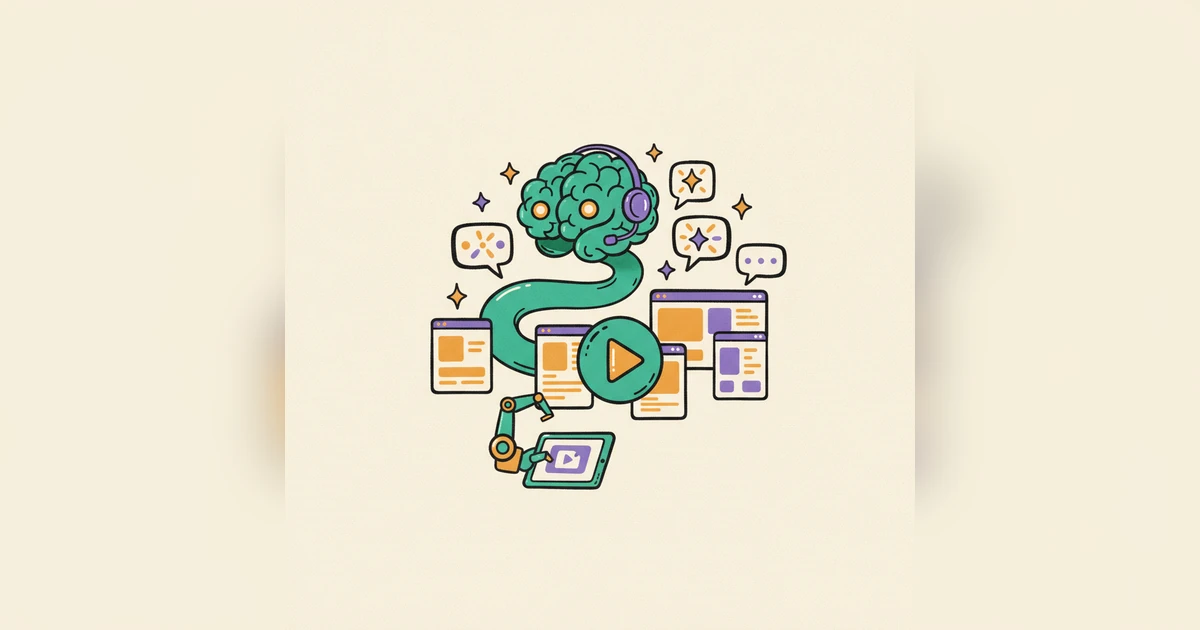
Making a product demo has always had the same annoying first step: you have to record your screen. You open a screen recorder, take a breath, click through your app without fumbling, narrate as you go, and pray you don't have to start over. Change a button next month? Do it all again.
Today we're flipping that on its head. Meet Auto-Record — Woxgen's AI agent that records the demo for you.
You don't record. The AI does.
Here's the whole idea: instead of recording your product yourself, you point Woxgen at it.
- Paste your app's URL. Add a short outline if you want ("show onboarding, then create a project"), and a test login if your app sits behind a sign-in wall.
- The AI agent takes over. A computer-use agent opens your app, signs in off-camera, and clicks through your real UI like a first-time user — navigating, typing, and scrolling while it records the session.
- You get a finished demo. Woxgen writes the voice-over from what it actually saw on screen, syncs subtitles, adds click-focused zoom, and renders a polished HD MP4.
No screen recorder. No retakes. No editing timeline unless you want one.
Why this is different from Loom, Guidde, Arcade, and Supademo
Every popular demo tool today is a manual recorder. Loom, Guidde, Arcade, Supademo — they all still hand you the record button and expect you to walk through the product. They're great at capturing what you do; they just need you to do it.
Auto-Record is an automatic recorder. The AI is the one driving your app. That difference shows up everywhere:
- Retakes are free. Fumble a click? You don't re-record — you just run the agent again.
- Stay current effortlessly. When your UI changes, regenerate the demo in minutes instead of re-filming it.
- Scale demos. Spin up variations for ads, onboarding, sales outreach, and comparison pages without booking studio time.
See the full breakdown on the Auto-Record page.
"But what about my login?"
Fair question — and we designed for it. If your app is behind authentication, you can hand Auto-Record a test login. Woxgen signs in off-camera before recording starts, so the login screen never appears in the finished demo. Your credentials are used once to authenticate and are never shown in the video or stored in the generated script — the password isn't even sent to the AI model.
What you can build with it
- Launch-day videos. Ship a feature in the morning, post its demo in the afternoon.
- Always-fresh product tours for your landing page that you can regenerate whenever the product moves.
- A whole onboarding library of how-to walkthroughs — without filming a single one by hand.
- Sales and ad creative at volume.
It's live on Pro today
Auto-Record is available now on the Pro plan. Every other Woxgen capability — uploading your own screen recording, AI script generation, natural voice-over, subtitles, smart zoom, and HD export — remains available across the free and paid plans.
If you've ever put off making a demo because recording it felt like a chore, this is for you. Paste a URL, and let the AI do the recording.
Frequently asked questions
What is Woxgen Auto-Record?
Auto-Record is a Woxgen feature that records a demo of your web app for you. You paste your app's URL and an AI agent opens it, signs in, clicks through your product like a real user, and records the demo automatically — then Woxgen writes the voice-over, syncs subtitles, and renders a finished HD demo video.
How is Auto-Record different from a screen recorder like Loom?
Screen recorders such as Loom, Guidde, Arcade, and Supademo require you to record your own screen and walk through the product yourself. With Woxgen Auto-Record you record nothing — an AI browser agent drives your app and records the demo for you, then generates the narration and subtitles too.
Is my login safe?
Yes. If your app is behind a sign-in wall you can provide a test login. Woxgen signs in off-camera so the login screen never appears in the demo, and your credentials are never shown in the video or stored in the script — the password is never sent to the AI model.
Which plan includes Auto-Record?
Auto-Record is available on the Pro plan. All other Woxgen features — uploading your own recording, AI script generation, voice-over, subtitles, and HD export — are available on the free and paid plans.